Creating Your Account
Sign up, verify your email, and get started with your Free plan.
Last updated June 2026
Signing Up
There are two ways to create a Genesis Writer account: email and password, or social login. Both are free and take less than a minute.
Email & Password
- Visit genesiswriter.ai/login and click Sign Up.
- Enter your email address and choose a password.
- Click Create Account.
- Check your inbox for a verification email (see below).
Social Login
You can also sign up with your existing Google account. Just click the Google button on the login page and authorize Genesis Writer. Your account will be created automatically — no password required.
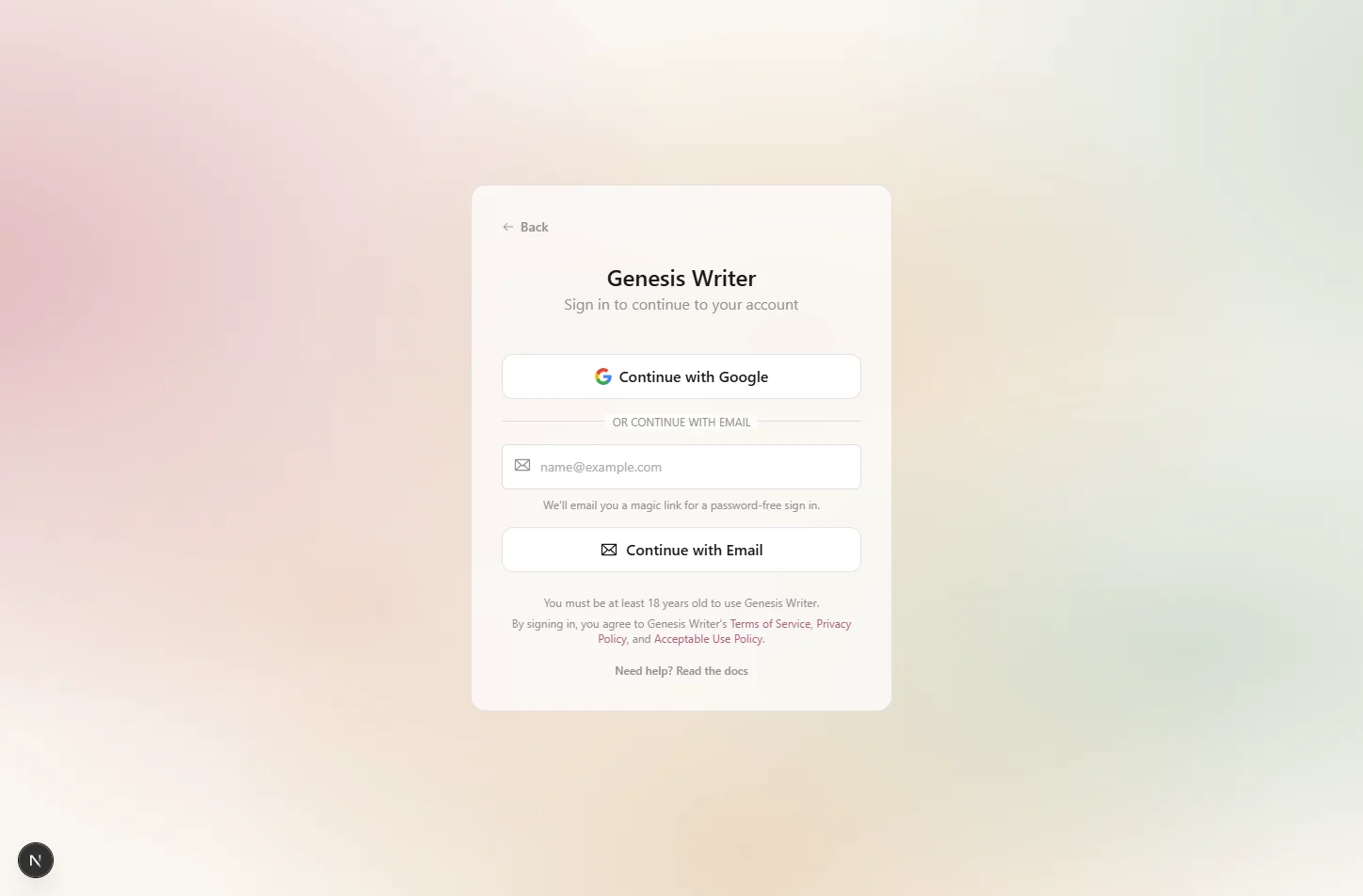
Sign up with email or Google
Email Verification
If you signed up with email and password, you'll receive a verification email within a few minutes. Click the link in the email to verify your address. You can start using Genesis Writer immediately, but some features require a verified email.
Linking Accounts
If you signed up with email and later want to use Google login (or vice versa), you can link multiple authentication providers to the same account. Head to Settings → Account to manage your linked providers.
Your Free Plan
Every new account starts on the Free Free plan. Here's what you get:
- 25,000 Genesis Tokens — enough for several AI generations to explore the platform.
- 3 projects — create up to three novels or story collections.
- 1 GB storage — for portraits, images, and exported files.
- Claude Haiku 5.5 and GPT-6 Luna — your AI writing models, from Anthropic and OpenAI.
Ready to start writing? Create your first project →